
Delivery: Can be download immediately after purchasing. For new customer, we need process for verification from 30 mins to 12 hours.
Version: PDF/EPUB. If you need EPUB and MOBI Version, please contact us.
Compatible Devices: Can be read on any devices.
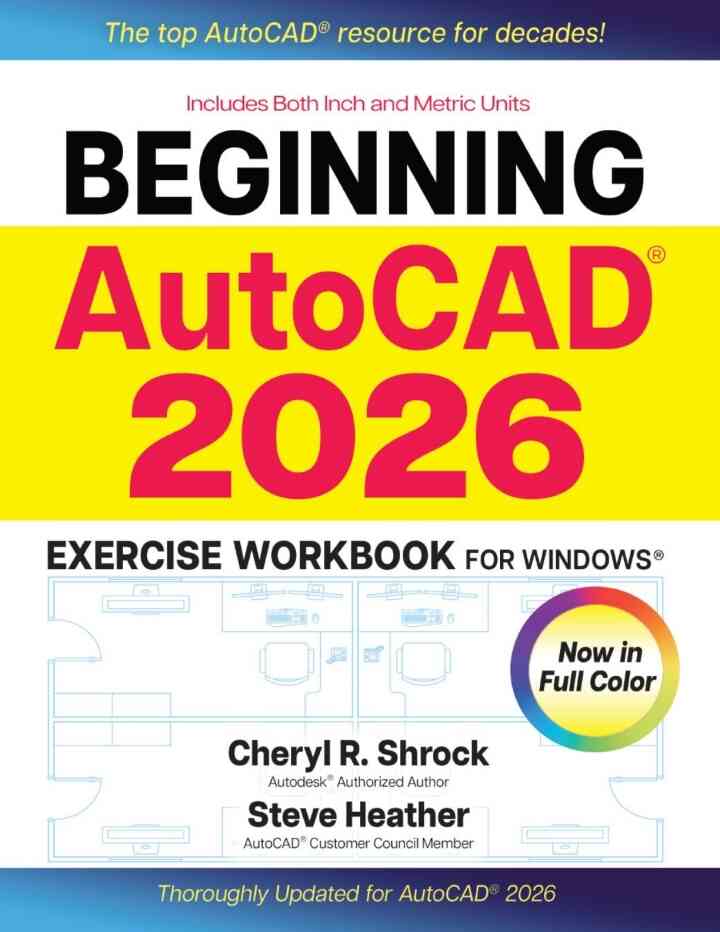
For decades, AutoCAD® students, instructors, and professionals have relied on the Exercise Workbook series to develop and hone their use of this versatile program. Whether you are new to the software, seeking to develop and improve your 2D drawing capabilities, or just want to make the most of the latest version of this program, the bestselling Beginning AutoCAD® 2026 Exercise Workbook is the ultimate reference. And for the first time, this superb resource is in full color, making it the ideal tool for visual learners. With step-by-step instructions, inside tips, and tons of exercises, AutoCAD experts Shrock and Heather help users make real progress in both learning the basics and mastering the steps involved in creating professional-quality drawings. To quick-start working with drawing commands, users can download preset drawing templates from the provided link, or by visiting Industrial Press’s website product pages. Improving on previous releases, AutoCAD 2026 facilitates efficient creation, precise revision, and sharing of layouts for a myriad of projects. For example, the new Activity Insights palette provides an overview of edits, enabling the creator or collaborators to see what has changed in a drawing. Plus, this edition includes an essential AutoCAD Quick Key Guide for quick access to the most frequently used AutoCAD features. New and Improved Features in the Beginning AutoCAD 2026 Workbook Now in full color!—Users will find key topics, instructions,and steps—plus helpful notes, CADTips, and full-color screenshots displaying AutoCAD 2026 tools, commands, and menus—all clearly color-coded. Activity Insights—A new palette provides users with access to a What’s Changed summary of what has been done in each creation and edit session. Activity Insights can be filtered by time, users, and activities. AutoCAD Quick Key Guide—An invaluable bonus in this edition is a guide to function keys for AutoCAD help and text screens, dialog boxes, modes, and features, along with time-saving, one-key shortcuts for commands and drawing management, and other useful keyboard combinations. Global AutoCAD2026 Updates—New illustrations, detailed explanations, and step-by-step instructions throughout this Exercise Workbook reflect the latest AutoCAD tools, dialog boxes, and key elements.
This is a digital product.
Beginning AutoCAD® 2026 Exercise Workbook: For Windows® is written by Cheryl R. Shrock; Steve Heather and published by Industrial Press, Inc.. The Digital and eTextbook ISBNs for Beginning AutoCAD® 2026 Exercise Workbook are 9780831196738, 0831196734 and the print ISBNs are 9780831137007, 0831137002.

Shelly Cashman Series Microsoft Office 365 & Access 2016: Comprehensive eBook
Microsoft Office - Integration eBook
Art Themes eBook
Nursing School Entrance Exams eBook
The Complete Project Management Office Handbook eBook
Developing Essential Understanding of Geometry 9-12 eBook
Invitation to Public Speaking Handbook eBook
Microsoft Office Excel 2007 Visual Basic for Applications Step by Step eBook
Dynamics 365 for Finance and Operations Development Cookbook - Fourth Edition eBook
Prebles' Artforms eBook
Strengthening Family Resilience, Third Edition eBook
Network Security Essentials eBook
Encyclopedia of Knot Theory eBook
Make Comics Like the Pros eBook